
Best AI Agency WordPress Themes in 2026: Tested & Compared
Most AI agency themes look identical. Dark background. Some kind of glowing gradient blob in the hero. A headline that says something like “The Future Is Here.” And then you scroll down and realize the demo was built by someone who’s never seen an actual AI company’s website.
So we went through the options that actually get searched — tested them for the things that matter in production: how flexible the header is, whether the footer builder holds up with custom layouts, how the theme handles a multilingual setup without turning into a plugin management nightmare. We narrowed it down to four.
If you’re building a website for an AI agency, an AI startup, or a lab that wants to look serious without paying a design agency $15k — one of these will do the job.
What actually matters when picking an AI agency theme
Beyond the obvious (it should look good), there are a few things that trip people up after purchase:
- Header & footer builder. Elementor’s native Theme Builder handles this well, but not every theme exposes full control. Some lock the header into a PHP template you can’t touch without a child theme.
- Module count. More isn’t always better, but if a theme ships with 50+ widgets, you’ll spend less time rebuilding layouts from scratch and more time actually building your site.
- Translation-ready out of the box. WPML and Polylang compatibility sounds like a checkbox feature — until you’re three weeks into a multilingual build and the theme strings aren’t in the .pot file.
- Support period. Six months sounds fine until you need help eight months after launch. It’s worth knowing upfront what you’re getting.
Those four things separate themes that are fun to demo from themes that are actually usable. Here’s what we found.
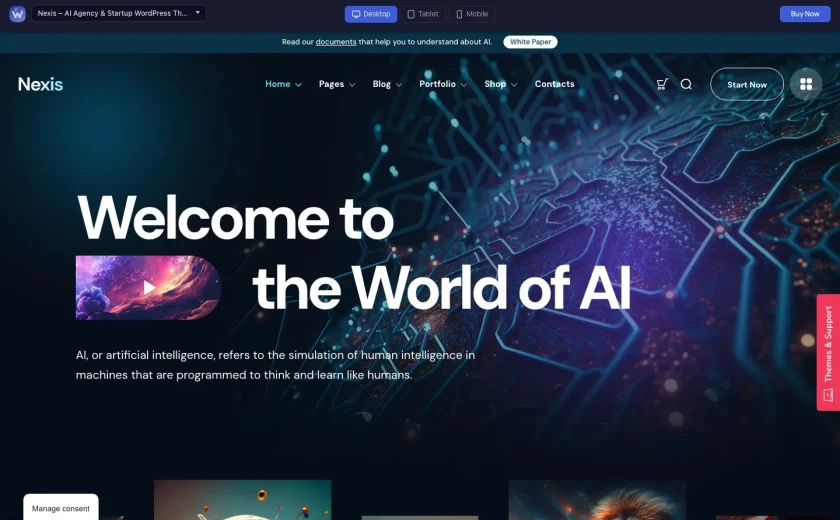
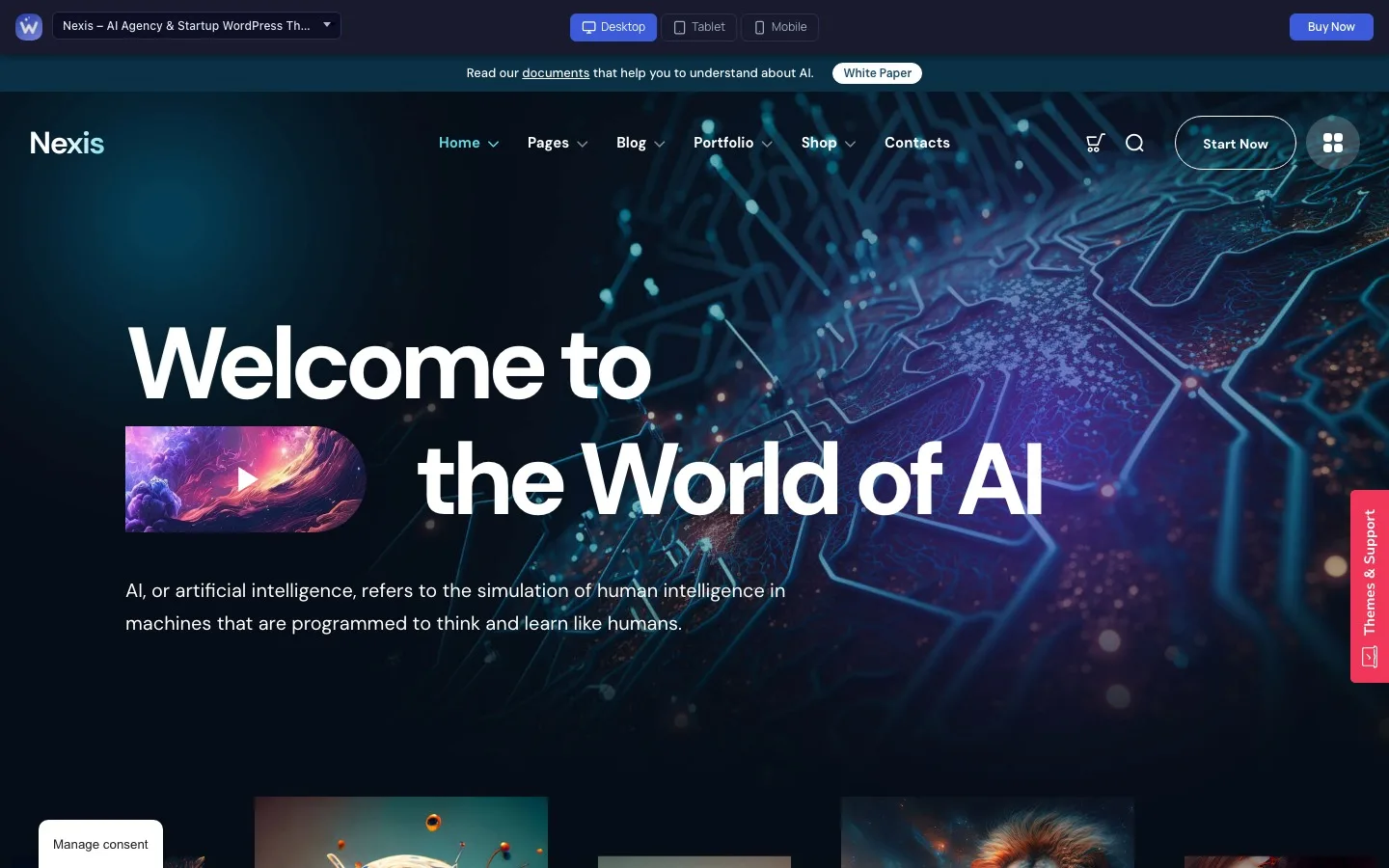
1. Nexis — Best Overall AI Agency WordPress Theme

Nexis is the theme we’d put at the top of this list for most use cases. Not because it’s ours — but because it’s the only one here that was designed specifically around how AI service companies actually present their work: capability sections, case study layouts, and a pricing block that doesn’t require hacking a WooCommerce shortcode into a column.
Both the header and footer are built through Elementor’s Theme Builder — full visual control, per-page conditions, sticky and transparency settings without touching PHP. Useful for the classic “transparent on the homepage, solid everywhere else” setup that trips up a lot of themes.
Translation setup is the most complete of the four themes tested. Nexis ships with a .pot file, is tested with both WPML and Polylang, and doesn’t hard-code strings in JavaScript. If you’re building for a client in Germany, Japan, or anywhere non-English, that’s a meaningful advantage over the competition — none of the other three confirmed Polylang support.
Support runs for 12 months with every license, which is double what you get with the ThemeForest alternatives below. If you’re a freelancer delivering a site to a client who’ll keep asking questions for a year, that matters.
Key features
- 50+ Elementor widgets — pricing tables, process timelines, team cards, stats counters, portfolio grids with infinite scroll, and more
- Elementor Theme Builder — full header & footer control, per-page conditions
- Translation-ready: .pot file included, WPML & Polylang tested
- WooCommerce-ready for selling digital products or SaaS plans
- Child theme included, one-click demo import, 100+ theme options
- 14-day money-back guarantee
- 12 months of support included
Who it’s for
AI agencies selling services, AI startups launching a marketing site, and labs that need to look credible to enterprise clients. The case study and portfolio templates are particularly well-built — if that’s a core part of your pitch, Nexis is worth the extra $10–15 over the alternatives.
2. Neuros — Good for Enterprise-Facing AI Companies
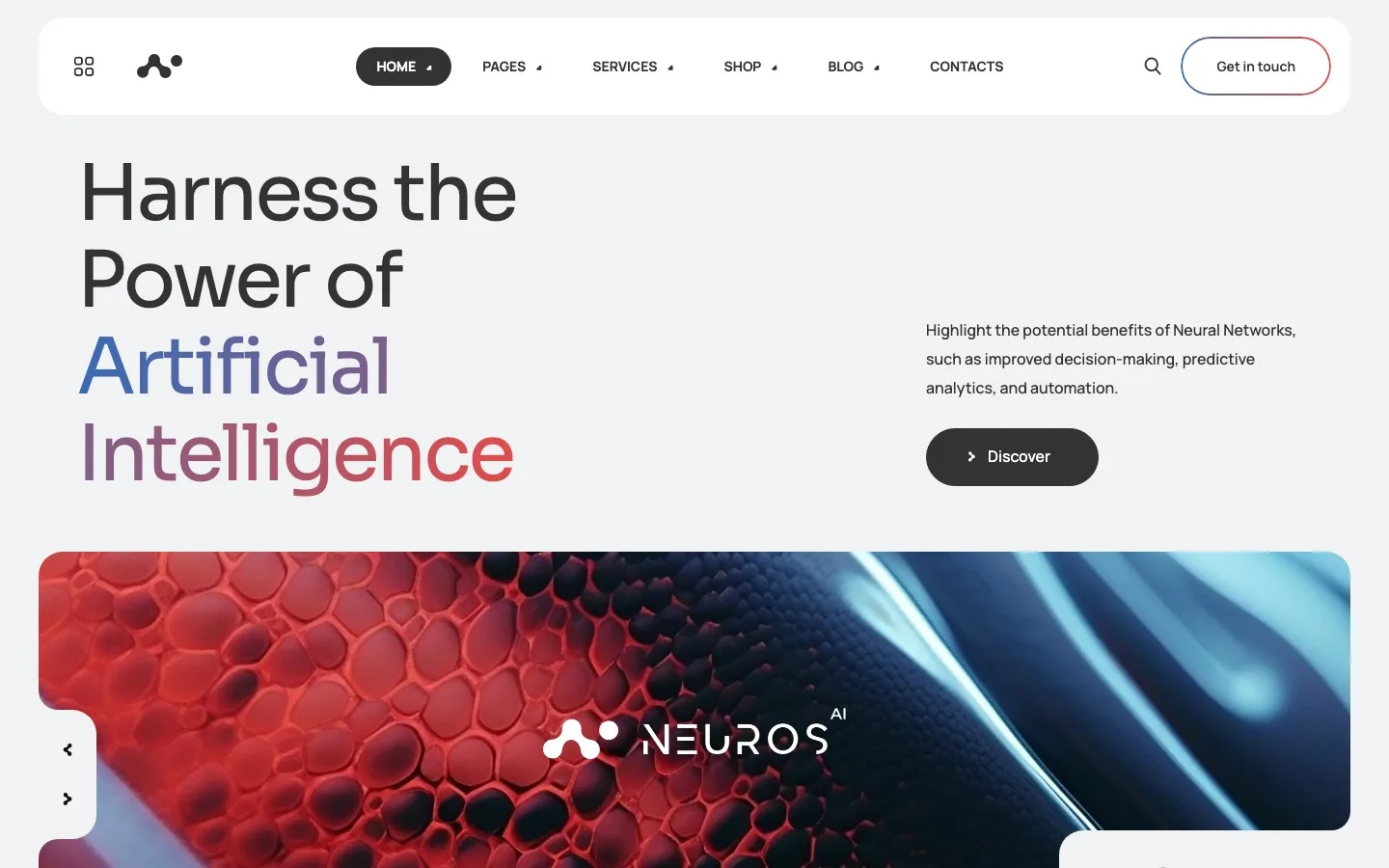
Neuros is the most established theme on this list in terms of sheer variety — 17+ homepage demos covering everything from AI chatbot to science lab to SaaS. If you need to pitch a specific sub-niche to a client and want to show them a demo that closely matches their industry, Neuros probably has it.
The header and footer builder was added via Elementor’s Theme Builder in a more recent update — so it’s there, but it’s not as baked-in as it is with Nexis. The inner page library is solid: 20+ page types including case studies, careers, and team pages. RTL support is confirmed, which puts it ahead of Nextmind on that front.
Where it falls short: Polylang isn’t mentioned anywhere in the documentation, and the support window is 6 months standard (extendable to 12 at extra cost). The Figma files included are a nice touch if your client wants to iterate on the design before development.
Key features
- 17+ homepage demos: AI Agency, Neural Networks, Image Generator, Voice Generator, Chatbot, SaaS, Science Lab, and more
- 20+ inner page templates (About, Careers, Pricing, Case Study, FAQ, Shop, Blog, 404…)
- Elementor header & footer builder (Theme Builder)
- WPML compatible, RTL ready
- WooCommerce, child theme, one-click demo import
- Figma files included
- 6 months support (extendable to 12)
3. Future — Best for AI Startups That Need to Launch Fast
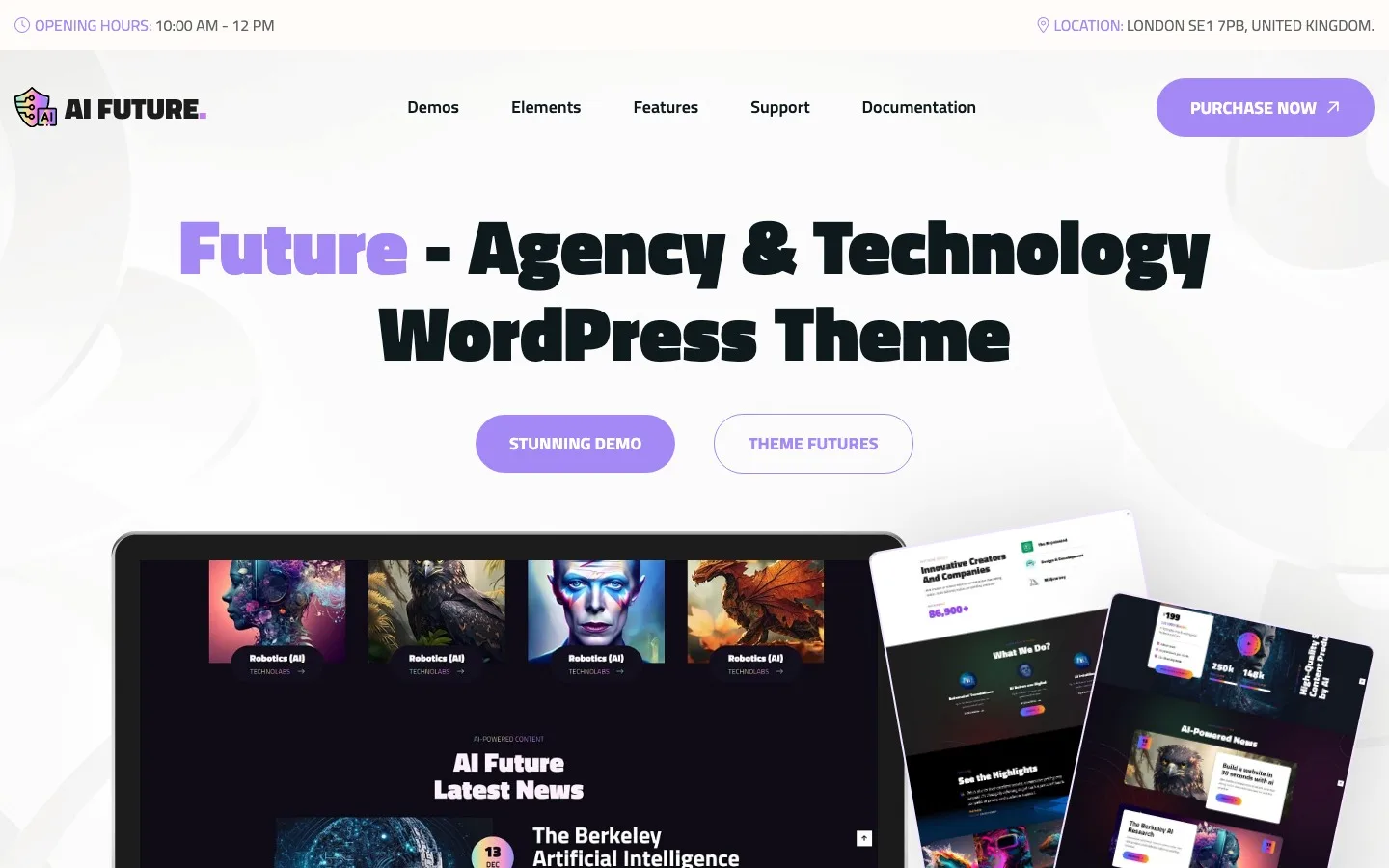
Future is for teams that need something live in a weekend and don’t want to spend the first three days configuring a nav menu. The import wizard is fast, the overall aesthetic — dark, gradient-heavy, motion-forward — lands where most AI startup design sits in 2026, and you don’t need to do a lot of layout work to get it looking sharp.
It runs on the Codestar theme framework, which handles some settings outside of Elementor — header and footer have their own Elementor-based customization, but you’re working within the framework’s structure rather than a freeform builder. For most sites that’s fine. For a site with genuinely complex header requirements, it’s a constraint worth knowing about.
WPML and RTL are both confirmed. Polylang isn’t documented. Revolution Slider is bundled, which saves you $30-odd if you were going to add it anyway. Support is 6 months standard.
Key features
- Elementor page builder with header & footer customization
- WPML compatible, RTL ready
- WooCommerce compatible (tested up to WooCommerce 8.x)
- Slider Revolution included
- AI Engine plugin support, Mailchimp integration, Contact Form 7
- One-click demo import, child theme support
- 6 months support (extendable to 12)
4. Nextmind — Solid Budget Option for Simpler AI Sites
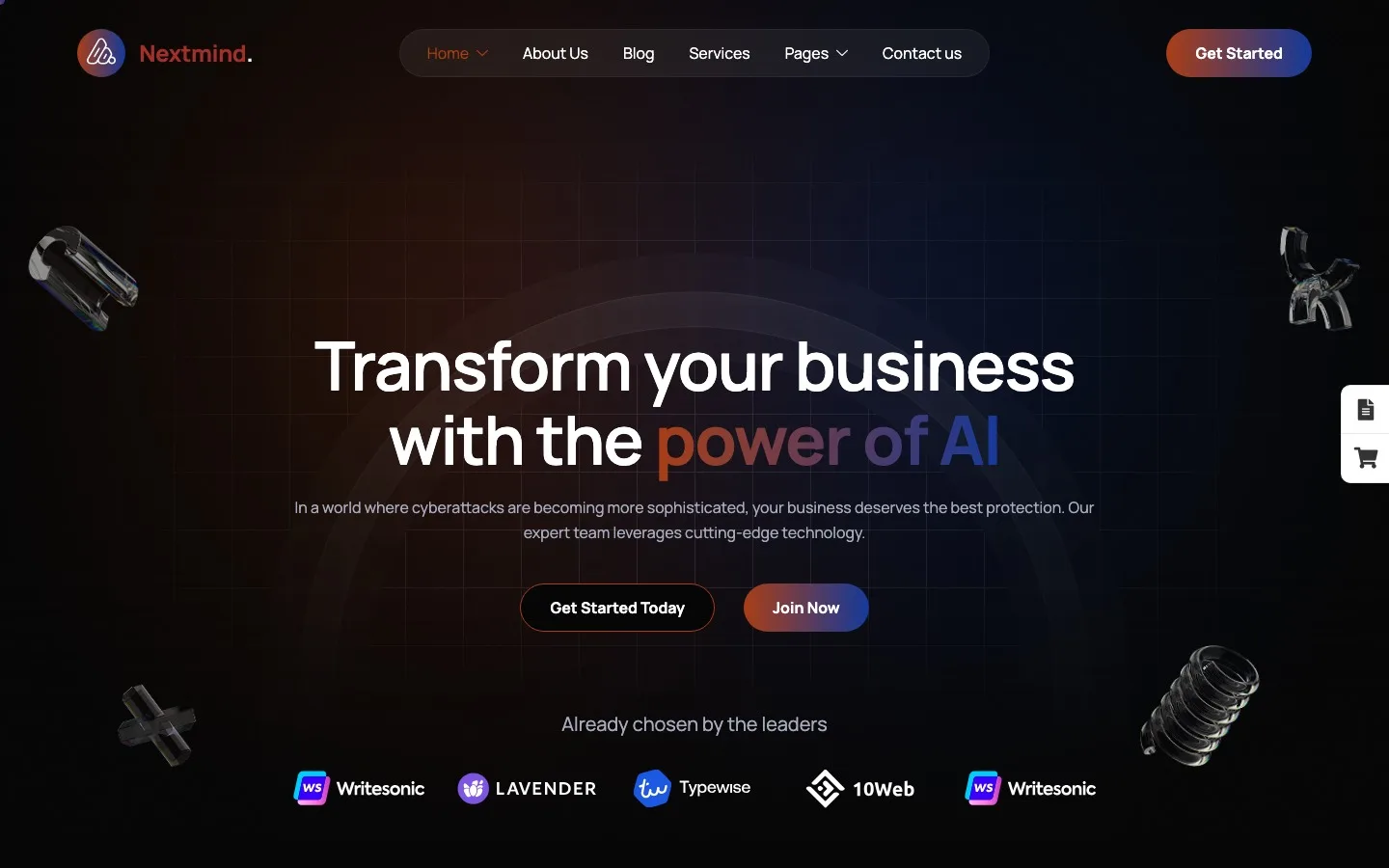
Nextmind is a competent theme that doesn’t try to reinvent anything. Eight demo layouts covering the main AI niches — agency, chatbot, image generator, voice generator, neural networks — all well-executed. If you need to get a small agency’s site up without a big budget and the site isn’t particularly complex, it works without much friction.
The header and footer have four preset variations each, but this is a presets system rather than a full visual builder — you pick a layout and customize within it. That’s a meaningful distinction if your client has specific structural requirements for their nav. For a standard two-row header with a logo and menu, you won’t notice the difference.
Where it shows its price point: no confirmed WooCommerce support, no RTL, and translation readiness isn’t explicitly documented. WPML compatibility is listed, which handles multilingual if that’s your route, but the .pot file situation is unclear. Avoid it for complex multilingual builds.
Key features
- 8 pre-built demos: AI Agency, Chatbot, Image Generator, Voice Generator, Neural Networks, Video Generator, AI Solutions, AI Startup
- 18+ inner pages (About, Services, Projects, Team, Testimonials, FAQ, Blog, Contact, 404…)
- 4 header & 4 footer preset variations
- Elementor page builder, WPML compatible
- One-click demo import, Contact Form 7
- 6 months support (extendable to 12)
Side-by-Side Comparison
All four use Elementor as the primary page builder. The differences show up where they always do — header flexibility, widget depth, and how seriously multilingual support was treated.
| Feature | Nexis Best Pick | Neuros | Future | Nextmind |
|---|---|---|---|---|
| Price | from $29.99 / site | $48 | $49 | $45 |
| Page builder | Elementor | Elementor | Elementor | Elementor |
| Inner page templates | 30+ | 20+ | — | 18+ |
| Total widgets / modules | 50+ | — | — | — |
| Header builder | ✅ Elementor Theme Builder | ✅ Elementor Theme Builder | ✅ Elementor-based | ⚠️ 4 presets only |
| Footer builder | ✅ Elementor Theme Builder | ✅ Elementor Theme Builder | ✅ Elementor-based | ⚠️ 4 presets only |
| Translation-ready (.pot) | ✅ | ✅ | ✅ | ⚠️ not confirmed |
| WPML | ✅ | ✅ | ✅ | ✅ |
| Polylang | ✅ | ❌ | ❌ | ❌ |
| RTL support | — | ✅ | ✅ | ❌ |
| WooCommerce | ✅ | ✅ | ✅ | ❌ |
| Child theme included | ✅ | ✅ | ✅ | ❌ |
| One-click demo import | ✅ | ✅ | ✅ | ✅ |
| Support period | 12 months | 6 months | 6 months | 6 months |
| Money-back guarantee | ✅ 14 days | ❌ | ❌ | ❌ |
⚠️ = partial support or not confirmed in official documentation at time of writing. ❌ = not listed as supported. Always verify against the theme’s latest changelog before purchasing.
Which one should you pick?
It depends on what the build actually needs.
If you need full layout flexibility and the longest support window — Nexis. The widget library is the deepest of the four, Elementor Theme Builder runs both header and footer, Polylang support gives you more multilingual options without committing to a WPML license, and 12 months of support is genuinely useful when clients keep coming back with small requests. The 14-day money-back guarantee is also the only one on this list.
If your client needs to see a demo in their specific sub-niche — Neuros. Seventeen homepage demos is a serious selection. If you’re pitching a chatbot company or a science lab and want to show them something that looks like their industry, Neuros is the one to open first.
If speed of launch matters more than flexibility — Future. Import the demo, swap the copy and colors, done. You won’t build a deeply customized site with it, but you’ll be live in a day and the output looks professional.
If the budget is tight and the site isn’t complex — Nextmind. Eight clean demos, 18+ inner pages, and it gets out of your way. Just go in knowing the header presets are fixed, WooCommerce isn’t supported, and translation is best handled through WPML.
FAQ
What is the best WordPress theme for an AI agency?
Nexis by WebGeniusLab is the strongest all-around option in 2026 — the deepest Elementor widget set of the themes we tested, full Elementor Theme Builder for header and footer, Polylang support, and a 12-month support window. See the full demo here.
Do these themes support Elementor’s header and footer builder?
Three of the four — Nexis, Neuros, and Future — give you full visual header and footer control through Elementor Theme Builder. Nextmind offers four fixed presets for each, which works for standard layouts but limits structural customization.
Which AI agency WordPress theme has the best multilingual support?
Nexis. It’s the only theme on this list that documents both WPML and Polylang compatibility, and it ships with a .pot file for manual translation. The other three support WPML but don’t mention Polylang.
Can I use an AI agency WordPress theme for a SaaS product site?
Yes — Nexis, Neuros, and Future all include WooCommerce support, which covers selling digital licenses, subscriptions, or SaaS plans. The layout templates in Nexis (pricing tables, feature grids, case studies) are particularly well-suited to SaaS. Nextmind doesn’t list WooCommerce as supported.
How much does an AI agency WordPress theme cost?
The four themes in this roundup range from $45 (Nextmind) to $49 (Future) on ThemeForest, with Nexis starting at $29.99 per site depending on the license. Nexis is the only one that includes 12 months of support and a 14-day money-back guarantee — the ThemeForest options include 6 months by default.
Bottom line
There’s no perfect theme — there’s the right one for the job you’re doing. For most AI agency and startup websites, Nexis covers the most ground: 50+ widgets, Elementor Theme Builder for both header and footer, 30+ inner page templates, the only confirmed Polylang support in this group, and a support window that actually lasts through a typical project lifecycle.
If you want to see it in action before deciding, the live demo is available without an email signup.