
How to Increase PHP Memory Limit, max_input_vars, and Upload Size in WordPress
After installing a WordPress theme you may see warnings in the Theme Dashboard: insufficient PHP memory, file upload limit too low, or max_input_vars too small. All three are PHP configuration values that can be adjusted without touching WordPress core. Here’s how to fix each one.
1. Increase PHP Memory Limit
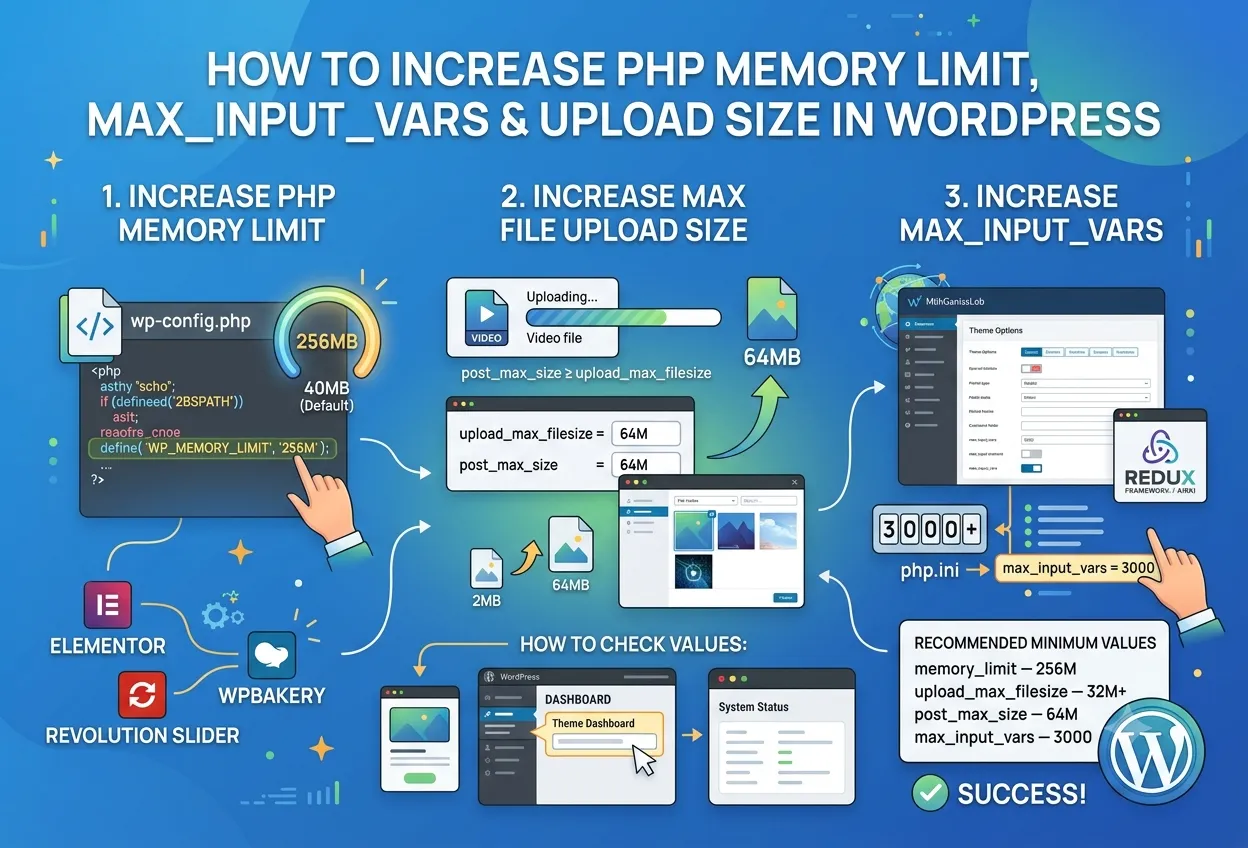
WordPress requests 40 MB of PHP memory by default, but modern themes and plugins — Elementor, WPBakery, Revolution Slider — need at least 256 MB to run reliably.
Method 1: wp-config.php (recommended)
Open wp-config.php in the site root and add the following line before “That’s all, stop editing!”:
define( 'WP_MEMORY_LIMIT', '256M' );Method 2: .htaccess (Apache servers)
php_value memory_limit 256MMethod 3: php.ini
memory_limit = 256MNote: If your hosting plan does not allow changing this value, contact your host’s support or upgrade to a plan with a higher memory limit.
2. Increase Maximum File Upload Size
By default PHP limits uploaded files to 2–8 MB depending on the server. You’ll need a higher value when importing demo content, uploading videos, or working with large images.
Method 1: .htaccess
php_value upload_max_filesize 64M
php_value post_max_size 64M
Method 2: php.ini
upload_max_filesize = 64M
post_max_size = 64M
Method 3: wp-config.php
@ini_set( 'upload_max_size', '64M' );
@ini_set( 'post_max_size', '64M' );
Note: post_max_size must be equal to or larger than upload_max_filesize. If post_max_size is smaller, the effective upload limit will not increase.
3. Increase max_input_vars
max_input_vars caps the number of fields that can be submitted in a single POST request. Themes with large options panels (Redux Framework, Kirki) may silently fail to save settings when this value is too low. 3000 or higher is recommended.
Method 1: .htaccess
php_value max_input_vars 3000Method 2: php.ini
max_input_vars = 3000Note: After editing php.ini, restart PHP-FPM (php-fpm reload) or Apache for the changes to take effect.
How to Check Current Values
Go to WordPress Admin → Appearance → Theme Dashboard → System Status. This page displays all current PHP values and flags anything that falls below the recommended threshold.
Recommended Minimum Values
memory_limit— 256Mupload_max_filesize— 32M (64M for demo import)post_max_size— 64Mmax_input_vars— 3000max_execution_time— 300
Why These PHP Values Matter
When you increase PHP memory limit, WordPress can hold larger arrays and process heavier operations without crashing mid-request. A low memory ceiling is the most common cause of the “white screen of death” during demo import or plugin activation, so raising it is usually the first fix to try. The same logic applies to the other two settings: upload limits control how large a single file can be, while max_input_vars decides how many form fields a theme options panel can save at once. Together these three values determine whether a feature-rich theme runs smoothly or fails silently.
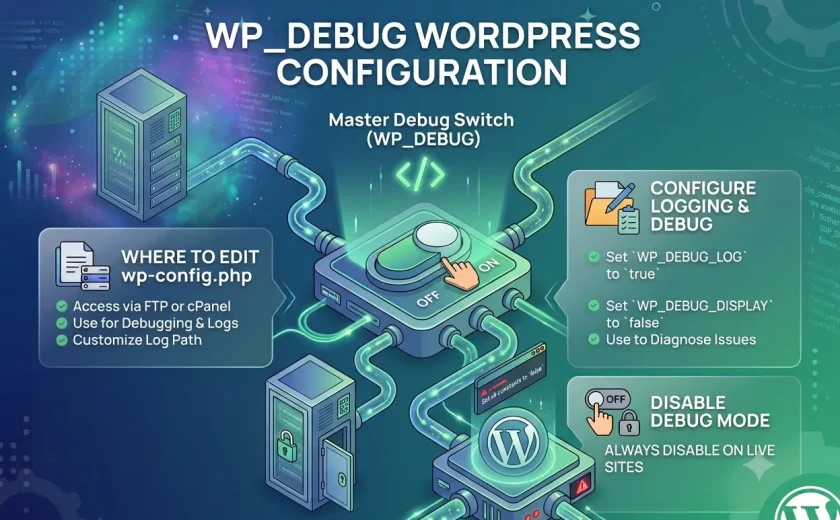
Keep in mind that shared hosting often locks these values at the server level. If your edits to wp-config.php or .htaccess have no effect, the host is overriding them and you’ll need to open a support ticket or move to a plan with higher limits. On a VPS you have full control and can edit php.ini directly. After any change, always return to the System Status page to confirm the new values took effect, and if something breaks, enable debugging to see the exact error — our guide on how to enable WP_DEBUG walks through that process step by step.
A Quick Word of Caution
Before you increase PHP memory limit or edit any of these files, back up the original first — a single wrong character in wp-config.php or .htaccess can take the whole site down. Change one value at a time, reload the System Status page to confirm it applied, and remember that budget shared hosting often caps these limits at the server level no matter what you write in the file.